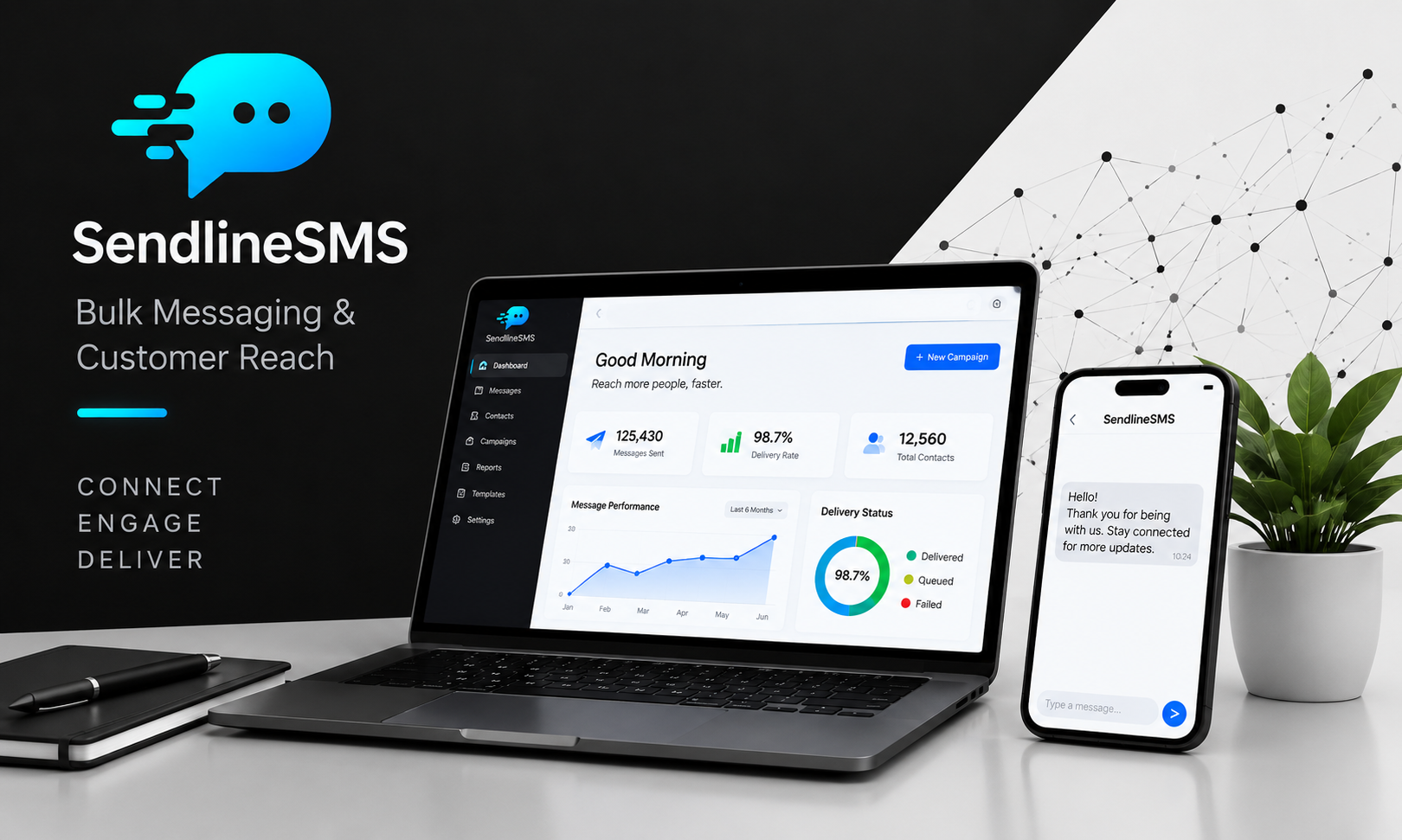
SendLineSMS
Reach every customer in seconds.Send campaigns, OTPs and alerts that land instantly and get read. Turn every message into a sale, a login or a loyal customer.
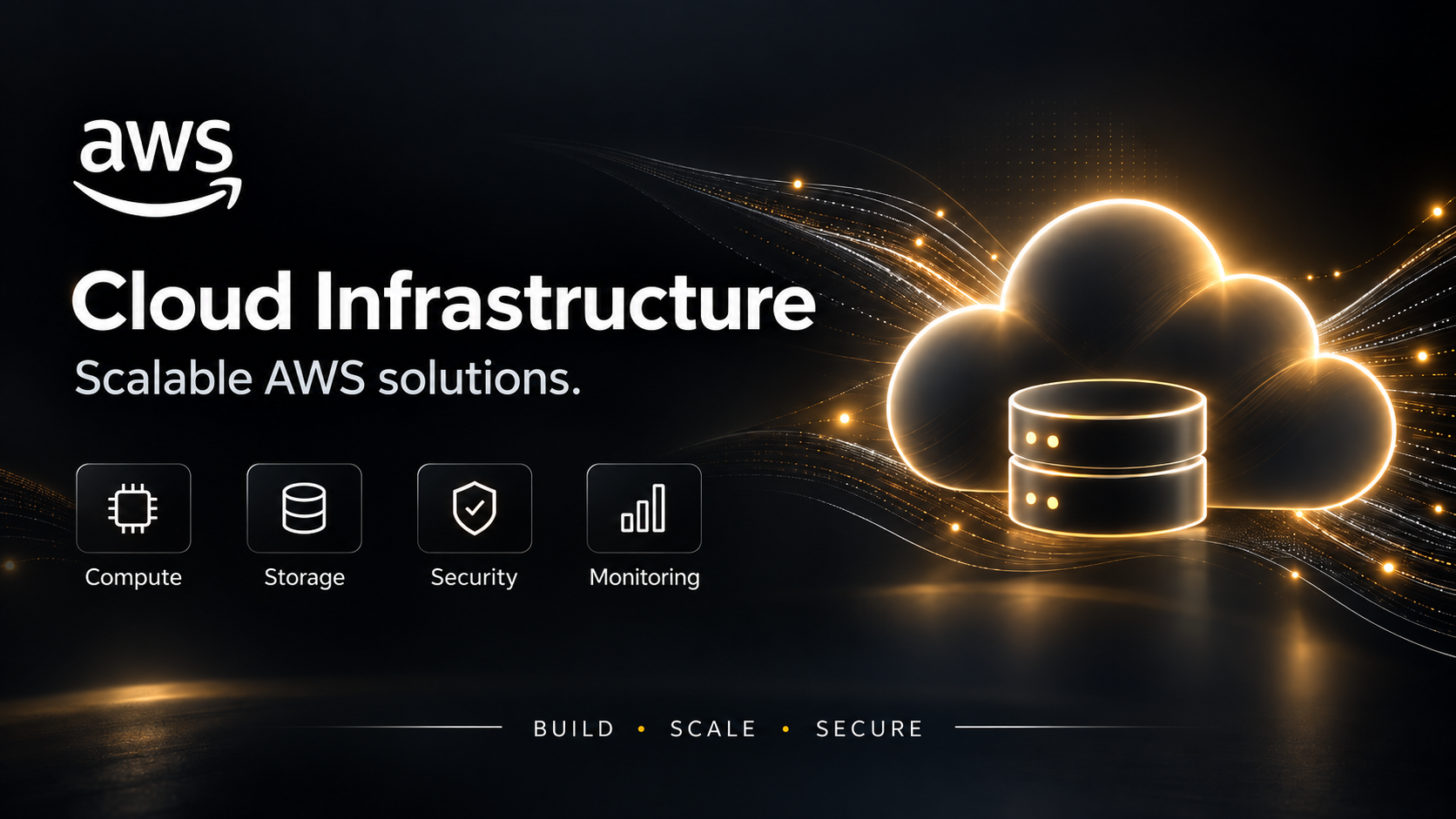
View pricing Cloud solutionsBDG Cloud
Stay secure. Stay online. Stay ahead.Managed hosting, migration, backups and round-the-clock monitoring that protect your data and keep your business running.
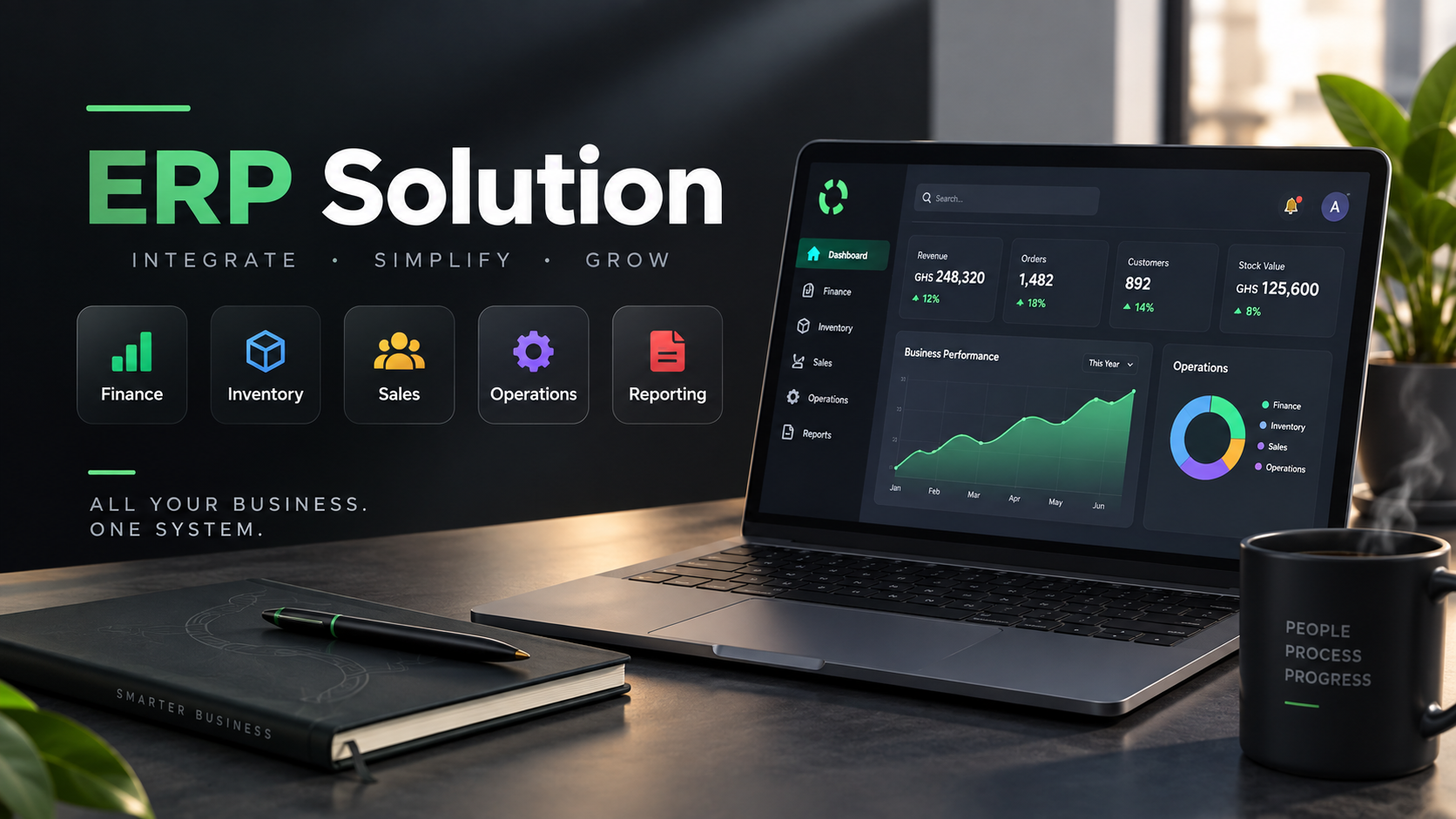
Request a quote Business managementBDG ERP
Run your whole business from one screen.Bring accounting, sales, inventory, HR and projects together. Cut the spreadsheets, see the full picture and decide faster.
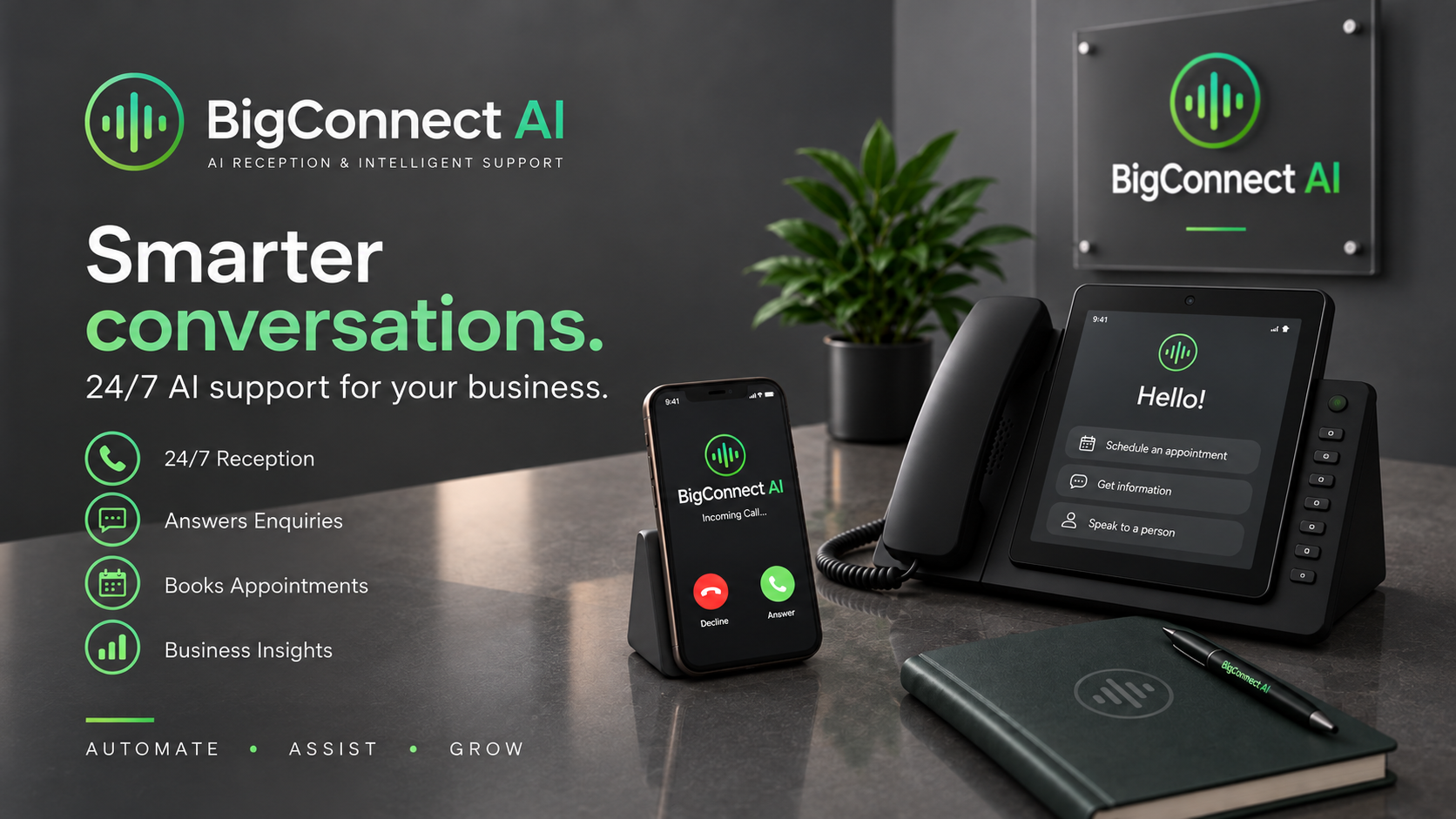
View pricing AI-powered engagementBigConnect AI
Never miss another customer call.AI voice agents that answer, route and book around the clock, so your team spends its time on the calls that matter most.
View pricingFrequently asked questions
What services does BigData Ghana offer?
Four solutions: BDG ERP for running your business (accounting, sales, inventory, HR and projects), SendLineSMS for bulk messaging and OTPs, BDG Cloud for managed hosting and security, and BigConnect AI for AI voice agents.
How can I see the price of a service before I order?
Use the price calculators on the Pricing page. Choose a service, adjust the options and your total updates as you go, including taxes. BDG ERP is priced by users and modules, SendLineSMS by SMS package, and BigConnect AI by plan and call minutes. BDG Cloud is quoted for your setup, so you request a quote instead.
How do I tell you what my business needs?
Fill in a requirement form. It takes about 10 minutes and saves as you go. Our team reviews your answers and gets in touch within 1 to 3 business days.
How can I pay?
By mobile money (MTN MoMo, Telecel Cash or AT Money), Visa or Mastercard, or bank transfer.
Do SendLineSMS credits expire?
Expiry packages are valid for 1 month (14 days on the GH₵ 10 and GH₵ 50 packages) and cost less per SMS. Non-expiry packages never expire.
Do you support businesses outside Ghana?
Yes. Local taxes, payroll and payment methods are handled from day one, with support for branches in other countries.
How do I get support after go-live?
We stay with you with training, support and improvements. Raise a ticket from the Tickets tab in your account and follow it there.
Where do I view my orders and invoices?
Sign in and open My Account, then choose the Orders & Invoices tab. Your Orders lists every package you have ordered and its status. Your Invoices shows each invoice with the amount due and whether it is paid. Open an invoice to view it or download the PDF. We also email your invoice when you place an order, and your receipt once your payment is confirmed.
How do I raise a ticket or make a complaint?
Sign in, open My Account and choose the Tickets tab, then select Raise a ticket. Pick the service, tell us what happened and add a screenshot if it helps. Complaints are raised the same way. You will get a ticket number by email, and you can follow its progress and reply to our team from the Tickets tab. If you cannot sign in, contact us and we will log it for you.